 Local SEO
How to Get Your Local Business Found on Google
Simple steps to help more customers find your business when searching online.
Helpful insights for local business owners — practical tips on websites, visibility, and building a stronger online presence.
Browse our latest insights for local business owners.
Local SEO
Simple steps to help more customers find your business when searching online.
 Website Tips
Your website might be working against you—and you might not even realize it.
 Local SEO
Inconsistencies in your business listings can quietly hurt your local search rankings.
Browse popular topics and essential guides below to find what matters most to your business.
New to building your online presence? Start with these foundational guides.
Is your website working against you? Here are the warning signs to watch for.
Simple steps to help more customers find your business when searching online.
Turn your website visitors into paying customers.
Make sure customers find the right information about your business.
Browse the articles below for practical tips you can use to improve your website and get found by more customers.
Find articles that matter to your business
If you'd like help making your website work better for your business, Sweet Tea is here for you.
Get a Free PreviewNo sales pressure — just a friendly look at what your website could be.
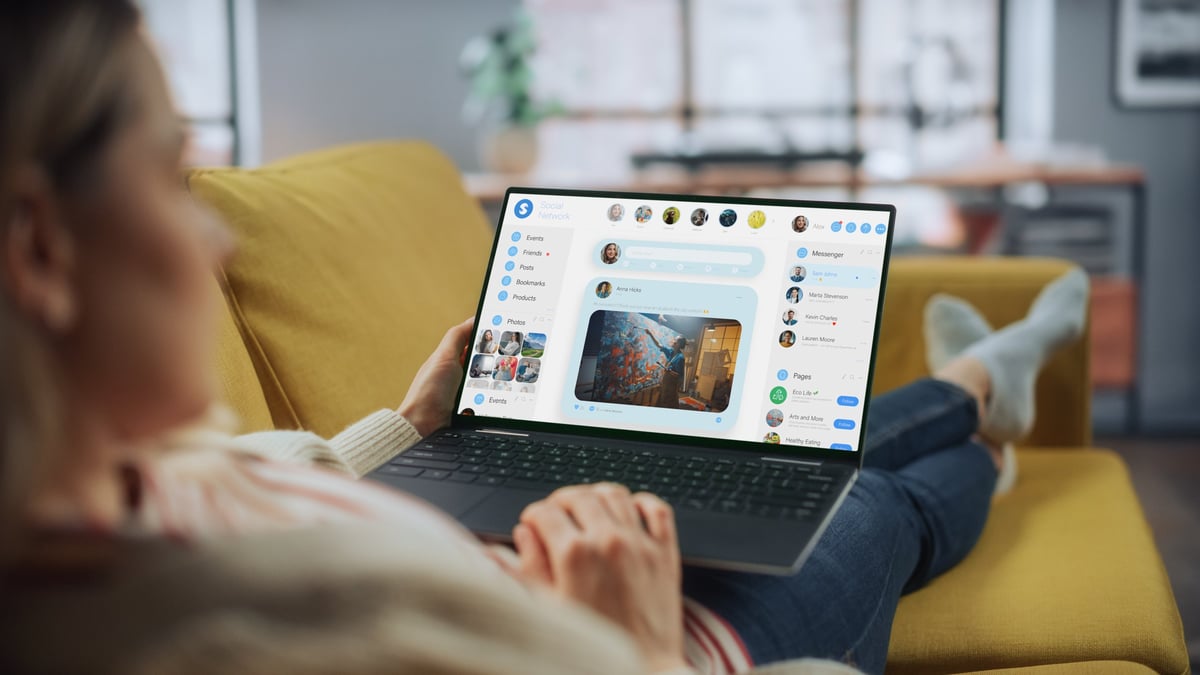
Many small business owners wonder if they really need a website when Facebook seems to be working fine. Let's break it down.
If you're running a small business, there's a good chance you set up a Facebook page years ago and it's been doing the job ever since. You post updates, customers leave reviews, and people seem to find you. So why would you need a website too?
It's a fair question. And the honest answer is: Facebook can absolutely help you get found online. But here's the thing—when it comes to building a real, professional online presence, a Facebook page alone might not be enough to help your business grow the way you want it to.
Let's start with the good stuff. Facebook is great for a few things:
These are real benefits. We're not saying Facebook is useless. It just has some important limits.
Here's the reality: when someone searches for a service business on Google, they usually don't find your Facebook page first. They find websites. And that difference matters.
You don't control the experience. Facebook can change its rules, redesign its layout, or even shut down features overnight. Your Facebook page lives on someone else's platform. A website? That's yours.
Search visibility is limited. Google doesn't show Facebook pages the same way it shows websites. If someone searches "best plumber near me," the businesses with websites are going to show up first.
Credibility takes a hit. Some customers still see a business without a website as less established. Having a website shows you're serious about your business.
Think about the last time you hired a service. Did you choose the business with a polished website or the one that just had a Facebook page?
A website lets you tell your story your way. You can show off your work, explain your services clearly, and make it easy for customers to contact you. No distractions from competing posts, ads, or cat videos in the sidebar.
Websites also convert better. When someone is ready to book or call, a clear "Contact Us" button or a simple form makes it happen. On Facebook, there's an extra step—or several. That friction can mean lost customers.
We worked with a local landscaper who had a great Facebook following. He posted beautiful photos of his work, and his reviews were solid. But he wasn't getting many new customer inquiries.
When we asked where his new customers came from, he said: "I Google them first. If they don't have a website, I assume they're either new or not that serious."
That landscaper got a website. Within a few months, he told us his phone was ringing more. Customers said they found him on Google and felt confident booking because his website looked professional.
Here's the good news: you don't have to choose. The best online presence combines both.
Use Facebook to connect with your community, share updates, and build relationships. Use your website to show up in Google searches, make a professional impression, and make it easy for customers to take action.
Think of it this way: Facebook is like showing up at the local community fair. Your website is like having a storefront on Main Street.
If you're asking yourself "do I need a website for my business?", the answer is increasingly yes—especially as more customers go online to find and research local services. Facebook is a helpful tool, but it's not a substitute for having your own space on the internet.
A website gives you control, credibility, and a better chance of showing up when customers are searching for exactly what you offer.
Curious what a website for your business could look like?
We'll build you a free preview—no pressure. Just see what your business could look like online.
Get Your Free Preview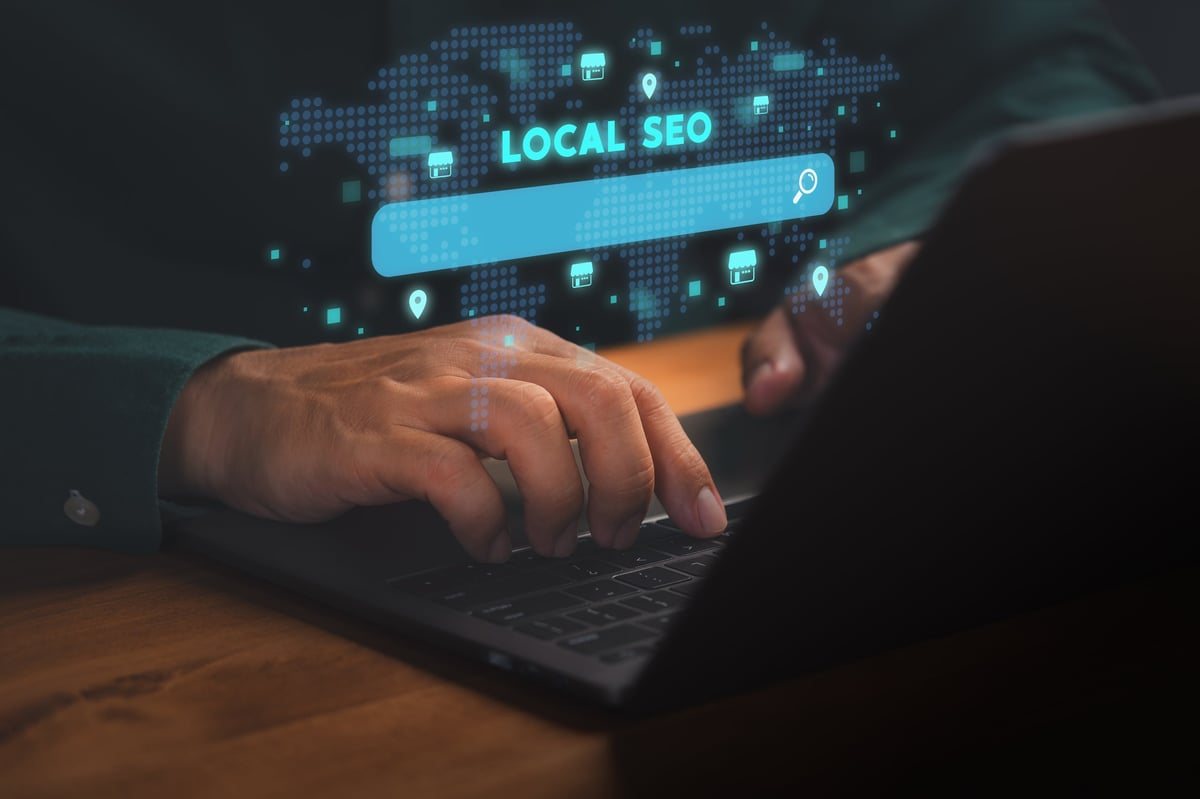
Most customers search Google before they call. Here's how to make sure they're finding your business first.
Think about the last time you needed a plumber, a dentist, or a good restaurant nearby. What did you do? Most people pull out their phone and Google it.
That's true for your customers too. When someone is looking for a service like yours, they're probably searching Google first. The question is: are they finding you or your competitor?
The good news? You don't need to spend money on ads to show up. There are free, straightforward steps you can take to get more customers from Google and start getting more calls.
This is the single most important thing you can do for local visibility. A Google Business Profile is the listing that appears on the right side when someone searches for your type of business. It shows your hours, location, phone number, photos, and reviews.
Claim it (if you haven't already) and fill it out completely. Add photos, choose the right categories, write a description that includes what you do and who you serve.
Google rewards businesses that keep their profiles complete and active. The more information you provide, the better your chances of showing up in search results.
When someone searches for "best electrician near me," what do they see? Reviews. Stars. Numbers.
Reviews are one of the biggest factors in local search rankings. But more than that, customers trust reviews. Most people read them before deciding to call.
Here's what you can do:
A handful of genuine, recent reviews can make a real difference in whether someone chooses you.
This might seem obvious coming from us, but it's important: businesses with websites rank higher on Google. It's just how the algorithm works.
When you have a website, Google can crawl it, understand what you do, and show it to people searching for your services. Without one, you're relying solely on your Google Business Profile—and you're missing out on valuable search real estate.
Your website doesn't need to be fancy. It just needs to exist, be accurate, and clearly describe what you do.
This is huge and often overlooked. If your phone number is wrong on even one directory, you could be losing calls.
Make sure your business name, address, and phone number (NAP) are exactly the same everywhere online:
Consistency signals trust to Google—and to potential customers.
You don't have to do everything at once. Start with these:
These small steps add up. We've seen businesses jump several spots in local rankings just by keeping their profiles updated and active.
You don't need a big marketing budget to show up on Google. You need the right basics in place—and you need to keep them current. Claim your profile, collect reviews, get a website, and keep your information consistent.
These steps work together to help you rank higher on Google for small business terms. And that means more visibility, more calls, and more customers.
Want to see your business show up better online?
We help businesses convert more visitors into customers. Request a free preview and see what your website could look like.
Request Free Preview
Your website might be working against you—and you might not even realize it. Here's what to look for.
Most business owners assume that if they have a website, they're doing fine online. But here's the truth: an outdated or poorly designed website can actively drive customers away.
You might be losing potential customers every single day—and never know it. The fix might be simpler than you think.
Think about the last website you visited that looked old or outdated. Did you trust it? Probably not.
An outdated website signals to visitors that your business might be outdated too. Old fonts, dated colors, or a layout that looks like it was built in the early 2000s can make customers hesitate.
Why it costs you: Customers make split-second judgments. If your site looks old, they may assume your services are too—and move on to a competitor.
More than half of all web traffic comes from phones. If your site doesn't look good on mobile, you're likely losing the majority of your visitors.
Watch for these warning signs:
Why it costs you: Frustrated mobile visitors won't stick around. They'll find a competitor whose site works smoothly on their phone.
This one happens more than you'd think. Some business websites bury their phone number or email address in a small footer that's hard to spot.
Or worse—there's no clear way to get in touch at all. No contact form, no "Call Now" button, no email address.
Why it costs you: When a customer is ready to reach out, friction kills the deal. If they can't find your phone number in two seconds, they'll call someone else.
Did you know that most people will leave a website if it takes more than three seconds to load? It's true. And slow load times can happen for many reasons: large images, outdated code, or a poor hosting setup.
The tricky part? Visitors won't wait around to find out why your site is slow. They'll just leave.
Why it costs you: Every second of delay reduces conversions. A fast site keeps visitors engaged; a slow one sends them straight to your competitor.
This might sound surprising, but many small business websites are vague about what they actually offer. The homepage might have a clever slogan, but no one can figure out what services you provide or who you serve.
Why it costs you: If visitors can't quickly understand what you do and who you do it for, they'll assume you're not the right fit. Clear messaging = more inquiries.
If any of these signs sound familiar, don't panic. Many website problems can be fixed with a redesign or refresh. You don't always need to start from scratch.
The key is knowing what to look for. Sometimes a few simple updates—like making your phone number more visible or optimizing images for speed—can make a big difference.
The important thing is to stop assuming your website is working. Check these five signs, and if you spot problems, address them. Your website should be bringing in customers—not sending them away.
If any of these sound familiar, we can help.
We'll show you a better version of your website—free, with no strings attached. See exactly what your business could look like online.
See a Free Preview
Not all websites are built to convert. Here's what separates the ones that bring in leads from the ones that just... sit there.
You have a website. It looks nice. It has your logo, some photos, your services listed... but your phone isn't ringing. Sound familiar?
The problem might not be your business—it might be your website. Having a website isn't the same as having a website that converts. And that distinction is what separates businesses that get leads from ones that just exist online.
Let's break down what actually makes a website turn visitors into customers.
When someone lands on your website, they should know within seconds:
If visitors have to dig around to figure out what you offer, they'll leave. A high converting website speaks plainly and immediately.
Skip the jargon. Don't say "We deliver comprehensive solutions for operational excellence." Do say "We fix AC units in the Dallas area, fast."
Think of your website like a store. If the layout is confusing and nothing is where you'd expect it to be, you'd walk out.
Good website design means visitors can find what they need without thinking. Your services, contact info, and any important details should be obvious and easy to reach.
Keep menus simple. Don't overwhelm visitors with too many options. Focus on guiding them toward one goal: getting in touch.
Here's a reality check: most of your visitors are on their phones. If your website isn't built for mobile, you're fighting against your own site.
Mobile-first design means your site works beautifully on small screens. Buttons are easy to tap. Text is readable without zooming. Everything flows naturally.
This isn't optional anymore. Google actually penalizes sites that don't work well on mobile—they show up lower in search results.
People need to trust you before they call. Your website should make that easy for them.
Reviews and testimonials are powerful trust builders. If you've got great Google reviews or happy customers willing to share their experience, put them on your site.
Other trust signals include:
What do you want visitors to do when they land on your site? Call you? Fill out a form? Book an appointment?
Don't leave it up to them to figure it out. A clear call to action (CTA) tells them exactly what to do next.
Good CTAs are:
We mentioned this before, but it's important enough to repeat. Slow websites lose visitors. Period.
Most people expect a website to load in two seconds or less. If yours takes four or five, you've already lost them.
Simple things can slow a site down: large unoptimized images, too many plugins, poor hosting. These are all fixable.
A high converting website isn't about being flashy or fancy. It's about being clear, fast, trustworthy, and easy to use.
When your website is built with these principles in mind, visitors become leads. And leads become customers.
The best part? You don't need a massive budget to get this right. You just need the right approach.
We design websites that are built to convert.
Want to see what a website designed for your business could look like? We'll create a free preview—just for you.
Get Your Free Preview
A wrong phone number or outdated address might seem like a small problem. But it could be costing you customers right now.
Picture this: a potential customer searches for your type of business, finds your listing online, and decides to call. But the number is wrong. What happens next?
They call someone else. That's who they're going with now—not you.
Small inaccuracies in your business listings create big problems. And they're more common than you might think.
When was the last time you drove to a business without checking Google Maps first? Most people plan their trips based on what they find online.
If your address is wrong on even one directory, here's what might happen:
The same goes for phone numbers. If the number doesn't work, you're losing calls—and you might not even know it.
Google cares about accuracy. When your business information is consistent across the web, it signals to Google that you're a trustworthy, legitimate business.
When information is wrong or inconsistent? Google may rank you lower. Your business shows up less often in search results. Fewer people find you.
This is called local SEO accuracy, and it's one of the most overlooked factors in local search rankings.
These things happen more than you'd expect:
Wrong hours: A restaurant had updated their hours for a holiday weekend on their website. But their Google listing still said they were open. Three families drove 20 minutes to find locked doors. They went somewhere else for dinner—and left a negative review.
Old phone number: A dental office changed their phone number but only updated it on their own website. Their Google listing still had the old number. Every call to that old number went to a disconnected line. They never knew how many patients they were losing.
Closed location: A business moved locations but didn't update their listing for months. Customers kept showing up at the old address. By the time they fixed it, they had lost significant business and goodwill.
These aren't rare situations. They're common—and costly.
The good news? This is fixable. Here's what you should do:
The goal is consistency. Your business name, address, and phone number should be exactly the same everywhere they appear online.
Keeping your business information accurate might not seem exciting. But it directly affects whether customers can find you, trust you, and choose you over your competitor.
A few minutes of checking and updating can save you lost customers, bad reviews, and missed opportunities.
Make it a habit. Your future customers will thank you.
Want help keeping everything accurate and looking great online?
We help businesses make sure their online presence works for them—not against them. Let us show you what we can do.
Get Your Free Preview